← Back to My Work
Home›Projects›MindRing
Productivity · Wellbeing web application

MindRing

● Substantial

A Flask productivity and wellbeing application combining task management, notes, projects, journals, personal/professional spaces, feedback and relaxation-focused content.
FlaskPythonMySQLSQLiteFlask-LoginPasslib
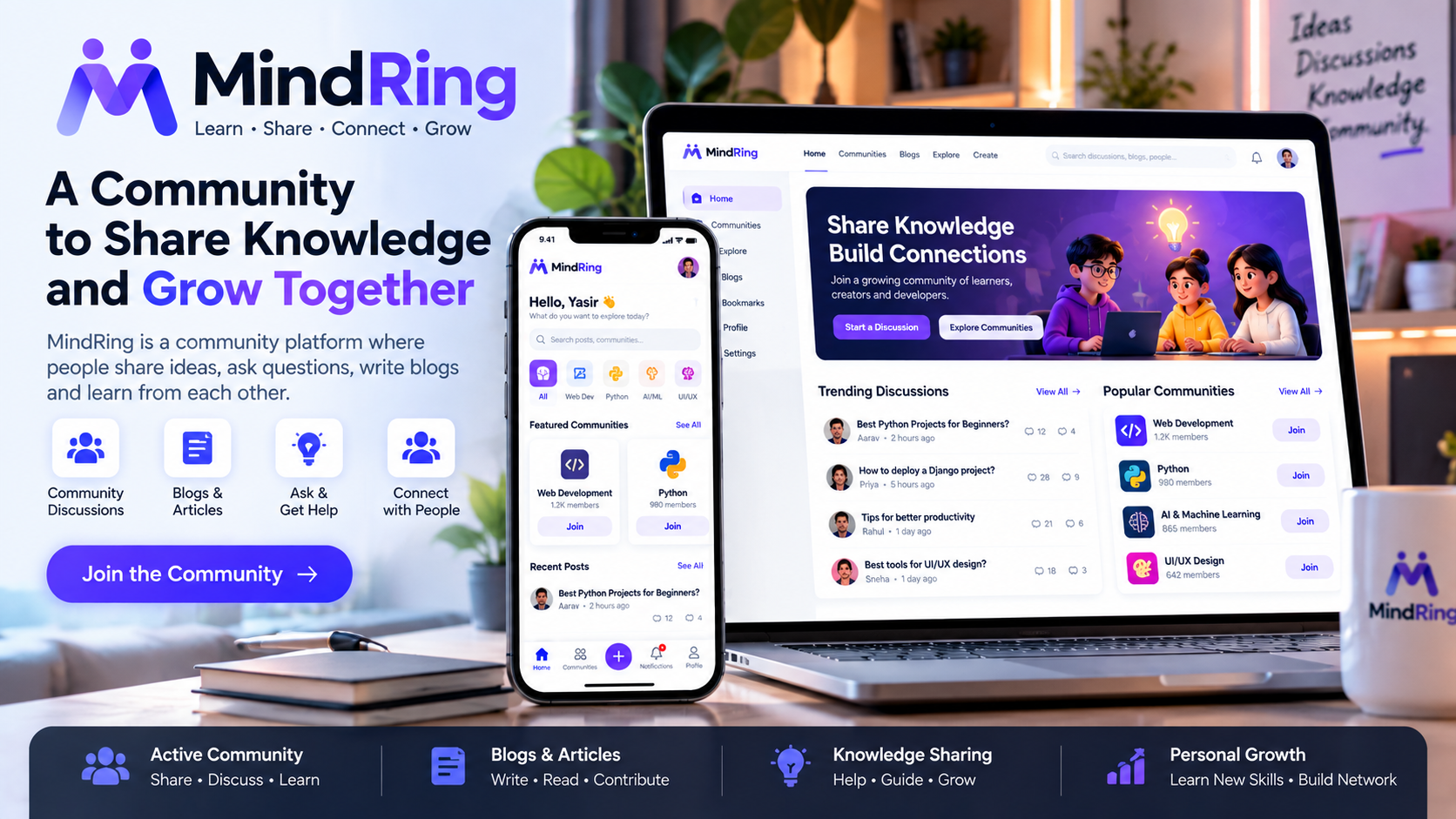
MindRing project visual
01 · OVERVIEW

What is MindRing?

What the project does

MindRing was built as a broader personal productivity environment rather than a single CRUD feature. It brings task, note, project and journal workflows together with personal/professional spaces and wellbeing content.

How it benefits the user/business

  • Combines several everyday productivity workflows.
  • Provides separate personal and professional organization concepts.
  • Demonstrates both MySQL-backed and self-contained SQLite implementations.
  • Shows authentication, CRUD, admin and content-library patterns in one project.

Platform & environment

Flask web application with a MySQL-backed implementation and a separate SQLite implementation for easier local use.

02 · FEATURES

What is included?

01 · Registration and loginImplemented as part of the project's current scope.
02 · Task CRUDImplemented as part of the project's current scope.
03 · Notes CRUDImplemented as part of the project's current scope.
04 · Project managementImplemented as part of the project's current scope.
05 · Professional notesImplemented as part of the project's current scope.
06 · Personal notesImplemented as part of the project's current scope.
07 · Journal entriesImplemented as part of the project's current scope.
08 · Personal/professional spacesImplemented as part of the project's current scope.
09 · Admin and feedback workflowsImplemented as part of the project's current scope.
10 · Meditation content routesImplemented as part of the project's current scope.
11 · Relaxation content routesImplemented as part of the project's current scope.
12 · Passlib password hashingImplemented as part of the project's current scope.
03 · WORKFLOW

How the project works

Login / Register
   ↓
Homepage
   ├── To-Do
   ├── Notes
   ├── Projects
   ├── Professional Notes
   ├── Personal Notes
   ├── Journal
   ├── Personal Space
   ├── Professional Space
   └── Wellbeing Content
             ↓
       Personal Data
04 · BACKEND

What role does the backend play?

The backend/application layer is responsible for connecting the interface to the project's data, business logic and user workflows.

  • The backend stores tasks, notes, projects, journals and feedback in database tables.
  • Authentication and sessions control access to user-specific areas.
  • The SQLite variant initializes its own schema, making the project easier to run locally.
  • Admin routes provide management workflows on top of the same application data.
  • Flask acts as the application layer connecting browser actions to persistence and authentication.
05 · USAGE

How is it used?

A user signs in and works from a central dashboard, moving between tasks, notes, projects and journals. Administrative and feedback workflows are handled separately.

Project maturity: Substantial. The purpose of this page is to explain the implementation that exists in the repository, while keeping production-readiness claims separate.
06 · LIMITATIONS

Current boundaries

Some media paths in the repository are environment-specific, and the project would need stronger production authentication/authorization, deployment configuration and asset handling.